Computer Use and Vision-Based Browser Automation for SEO in 2025
How computer use and vision-based browser automation are enabling SEO teams to test visual rendering, verify layouts, and automate workflows that require human visual judgment.
Dilshad Akhtar
Published: 5 August 2026
4 min read
TL;DRAI summary
- Traditional browser automation relies on selectors, DOM queries, and network interception to interact with pages.
- Computer use refers to AI agents that operate graphical user interfaces by processing screenshots and executing actions at the pixel level.
- A typical vision-based automation setup combines Playwright for reliable browser control with a multimodal AI model GPT-4o, Claude 3.5 Sonnet, or...
- Visual baseline screenshots exist for all critical page templates across desktop, tablet, and mobile viewports Vision-based agents detect and...
- Anthropic.
Traditional browser automation relies on selectors, DOM queries, and network interception to interact with pages. But what happens when the SEO issue is visual rather than structural? A misplaced heading, a broken layout on a specific viewport, a hero image that fails to load in certain browser...
Introduction

Traditional browser automation relies on selectors, DOM queries, and network interception to interact with pages. But what happens when the SEO issue is visual rather than structural? A misplaced heading, a broken layout on a specific viewport, a hero image that fails to load in certain browser configurations, or a cookie banner that obscures content on mobile. These issues demand visual perception. Computer use and vision-based browser automation fill this gap by leveraging screenshots, object detection, and multimodal AI models to interact with web pages the way a human would: by looking.
What Is Computer Use in Browser Automation

Computer use refers to AI agents that operate graphical user interfaces by processing screenshots and executing actions at the pixel level. Instead of querying the DOM for a button selector, the agent views a screenshot, identifies the button's location, and clicks its coordinates. This approach is powerful for SEO because it works regardless of the underlying framework, DOM structure, or JavaScript rendering approach.
Anthropic's Computer Use API (introduced in late 2024) demonstrated that frontier models can reliably navigate interfaces by analyzing screenshots and generating mouse and keyboard actions. In 2025, this capability has been integrated into multiple browser automation frameworks, allowing SEO teams to automate workflows that previously required human visual inspection.
SEO Applications of Vision-Based Automation
Visual Rendering Verification
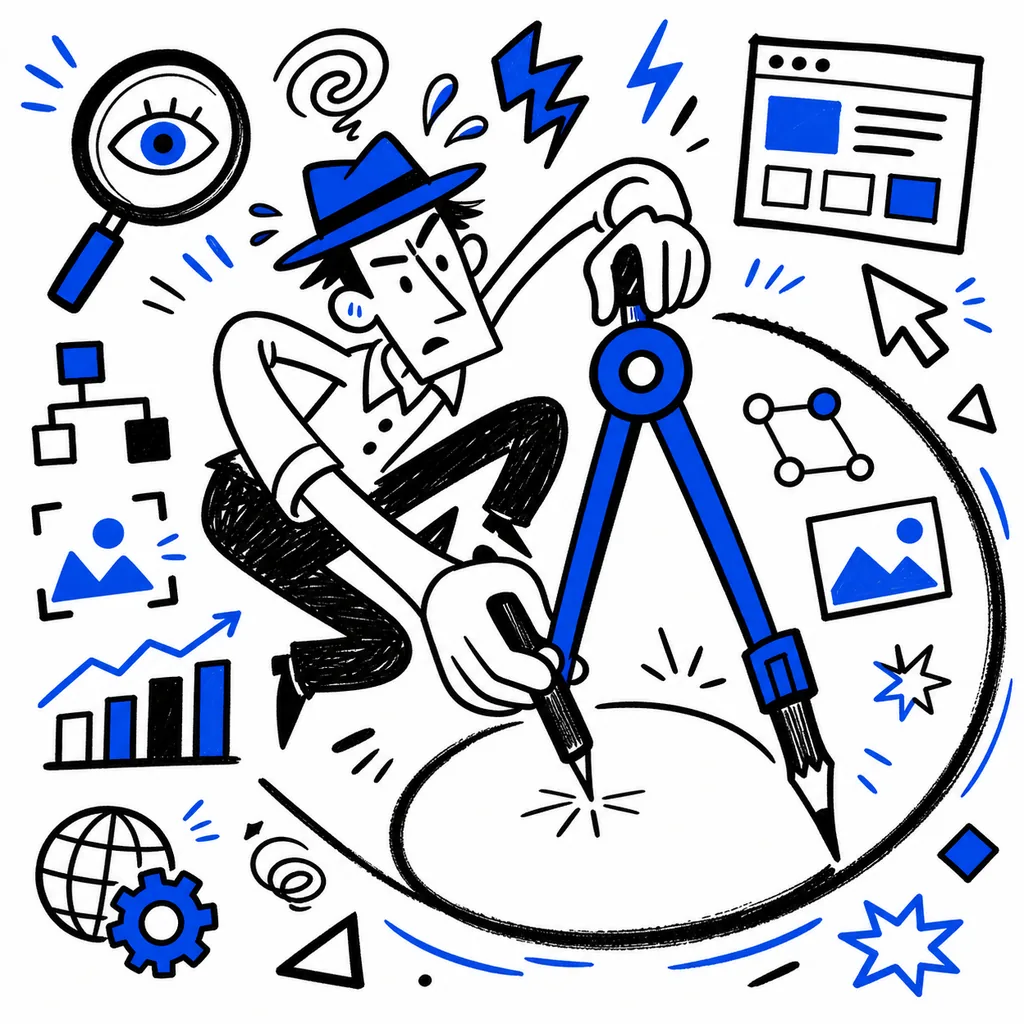
CSS differences between browsers, missing web fonts, or incorrect responsive breakpoints can significantly impact user experience and Core Web Vitals. Vision-based automation captures screenshots across multiple viewports and browser engines, then compares them against baselines. When a layout shift is detected that DOM-based tests would miss, the system flags it for review. This is especially valuable for sites using complex CSS Grid or Flexbox layouts where structural tests pass but visual rendering is broken.
Cookie Consent and Overlay Detection
Cookie banners, newsletter popups, and interstitial overlays can obscure content, trigger layout shifts, and generate Cumulative Layout Shift penalties. Vision-based agents can detect these overlays by analyzing screenshots for semi-transparent layers, fixed-position elements, or changes in content visibility before and after dismissal. The agent can then test whether the overlay blocks critical above-the-fold content and report the CLS impact.
Dynamic Content Verification
Some SEO issues only appear under specific conditions. A carousel may render correctly on initial load but fail after rotation. A lazy-loaded image may have a correct DOM structure but display a broken placeholder visually. Vision-based automation captures screenshots at multiple points during page interaction and compares them against expected visual states, catching regressions that DOM inspection alone would miss.
Multimodal Accessibility Testing
Accessibility tree analysis is powerful, but it cannot detect visual accessibility issues like insufficient color contrast, text that overflows its container, or focus indicators that are invisible against certain backgrounds. Vision-based agents analyze screenshots with computer vision models to detect these issues, complementing standard accessibility audit tools.
Technical Architecture
A typical vision-based automation setup combines Playwright (for reliable browser control) with a multimodal AI model (GPT-4o, Claude 3.5 Sonnet, or Gemini 2.0) that processes screenshots and generates actions. The workflow loops through four stages: capture a screenshot, analyze the image with the model, execute the model's recommended action, and verify the outcome before proceeding.
async def vision_audit(url, audit_type):
    page = await browser.new_page()
    await page.goto(url)
    screenshot = await page.screenshot(full_page=True)
    # Send screenshot to multimodal model for analysis
    issues = await analyze_screenshot(screenshot, audit_type)
    return issues
Audit Checklist
- [ ] Visual baseline screenshots exist for all critical page templates across desktop, tablet, and mobile viewports
- [ ] Vision-based agents detect and report cookie banners, interstitial overlays, and floating widgets that affect CLS
- [ ] Cross-browser visual diffs run weekly and compare Chromium, Firefox, and WebKit rendering
- [ ] Carousel, accordion, and tabbed content is visually verified after interaction, not just on initial load
- [ ] Color contrast and text overflow checks are automated through visual analysis for all text-heavy templates
References
- Anthropic. "Introducing computer use: a new AI capability." Anthropic Blog, 2024. https://www.anthropic.com/news/computer-use
- Google. "Core Web Vitals and visual rendering: measuring what users see." Chrome Developer Relations, 2025. https://web.dev/articles/vitals-visual-measurement
- Microsoft. "UI-TARS: GUI Agent with Vision-Language Models." Microsoft Research, 2025. https://www.microsoft.com/en-us/research/project/ui-tars/
- OpenCV. "Template matching and feature detection in web screenshots." OpenCV Documentation, 2025. https://docs.opencv.org/4.x/d4/dc6/tutorial_py_template_matching.html
Related Articles
Discover more insights about web development and digital marketing