Infinite Scroll SEO Impact: The Complete 2026 Guide
How infinite scroll affects ecommerce SEO in 2026. history.pushState, Intersection Observer, progressive enhancement patterns, and crawlability solutions for single-page product feeds.
Dilshad Akhtar
Published: 12 July 2026
4 min read
TL;DRAI summary
- Infinite scroll loads new content as the user approaches the bottom of the page, replacing traditional 'next page' buttons.
- Infinite scroll wins on engagement metrics.
- No fallback pagination.
- Disable JavaScript in your browser DevTools Network Disable JavaScript .
- Baymard Institute.
Infinite scroll loads new content as the user approaches the bottom of the page, replacing traditional "next page" buttons. It is common in fashion, home goods, and visual-heavy ecommerce sites where continuous browsing improves engagement. The SEO problem is fundamental: search engine...
What Is Infinite Scroll
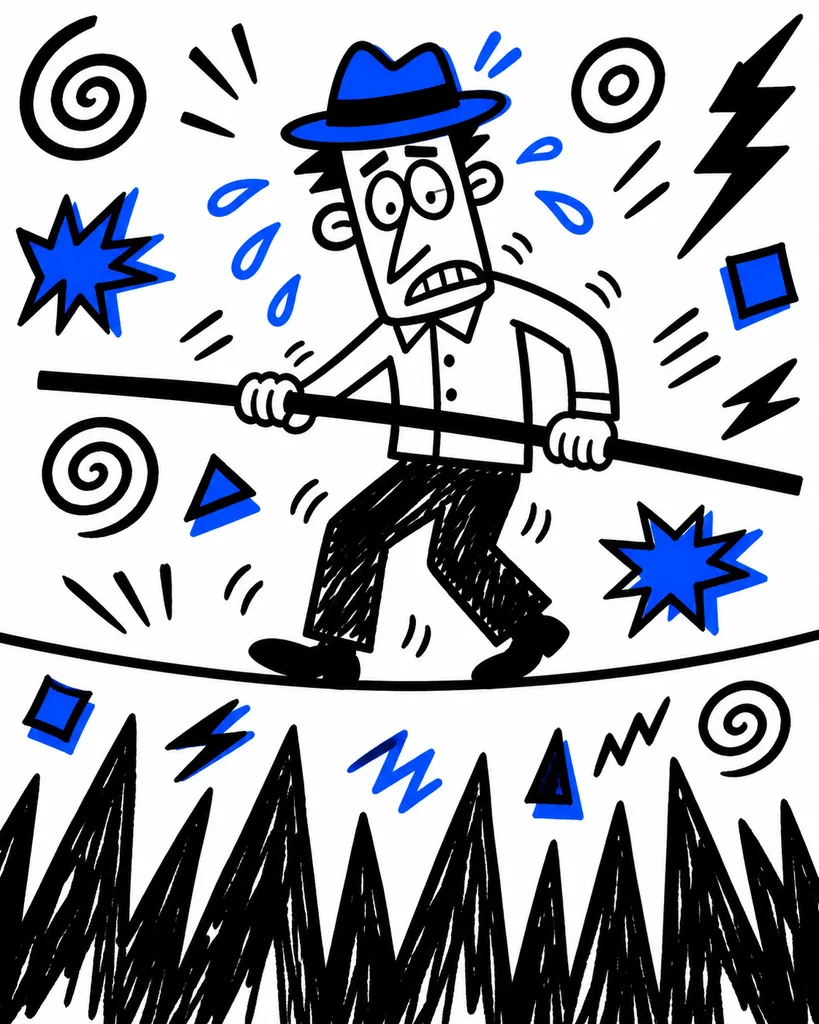
Infinite scroll loads new content as the user approaches the bottom of the page, replacing traditional "next page" buttons. It is common in fashion, home goods, and visual-heavy ecommerce sites where continuous browsing improves engagement. The SEO problem is fundamental: search engine crawlers do not scroll. If your products load only on scroll, Googlebot never sees them.
The Core Tension: UX vs Crawlability

Infinite scroll wins on engagement metrics. Users browse more products per session, time on site increases, and bounce rate drops. A 2025 Baymard Institute study found that infinite scroll increased product views by 37% compared to paginated category pages on mobile devices (Baymard Institute, 2025).
The tradeoff is that product links loaded dynamically via JavaScript are invisible to Googlebot unless you implement progressive enhancement. Without it, Google indexes only the first batch of products served in the initial HTML. Everything loaded through Intersection Observer API or scroll event listeners may never appear in search results.
Three Implementation Patterns for SEO-Friendly Infinite Scroll

Pattern 1: history.pushState Pagination (Recommended)
Replace the URL via history.pushState() each time new products load. Append ?page=2, ?page=3 to the URL as the user scrolls. Insert a <link rel="canonical"> that stays constant (pointing to page 1 or a view-all page). Use noindex,follow on dynamically loaded page states.
This pattern gives Googlebot crawlable paginated URLs as a fallback. Users get infinite scroll. Crawlers get static paginated pages.
// On loading more products:
window.history.pushState({ page: 2 }, '', '/category/?page=2');
document.querySelector('link[rel="canonical"]').setAttribute('href', '/category/');
document.querySelector('meta[name="robots"]').setAttribute('content', 'noindex,follow');
Pattern 2: Progressive Enhancement with Server-Side Pagination
Render the full paginated set server-side with standard <a> tags for "next" navigation. Apply infinite scroll with JavaScript only when a user agent is not a known crawler. Detect crawlers via user agent string or a server-side crawler detection library.
Googlebot (Googlebot Smartphone) executes JavaScript, but its rendering pipeline has limits. Heavy infinite scroll implementations that load 10+ product batches may exceed Google's rendering budget (usually 5-10 seconds) and stop processing (Google Search Central, 2025).
Pattern 3: Hybrid Approach (Best in Practice)
Start with server-side paginated HTML. Serve page 1 with all product links in the HTML. On user scroll, fetch the next page via fetch API and append products. Use history.pushState to update the URL. On page load (e.g. page 5 direct access), render page 5 server-side. This ensures every paginated state is a real URL with crawlable content.
Common Infinite Scroll SEO Mistakes
No fallback pagination. The most common error. If infinite scroll is the only way to reach products on page 10, those products are invisible to organic search.
Missing canonicals. Every URL state produced by pushState needs a canonical tag pointing to the primary category URL.
JavaScript-rendered product links. Product <a> tags added to the DOM via JavaScript are crawlable when Google processes scripts, but the crawl depth increases. Products on page 8 may never be discovered if earlier pages consume the rendering budget.
Audit Checklist
- Disable JavaScript in your browser (DevTools > Network > Disable JavaScript). Visit the category page and scroll. If products do not load, Googlebot (with JS enabled) may still see them, but Bing and some secondary search engines will not.
- Use the URL Inspection Tool on a deep paginated URL (?page=5) generated by pushState. Confirm Google renders the product links.
- Run a mobile Lighthouse test. Check if lazy-loaded content is detectable in the final rendered DOM.
- Review your server logs for Googlebot requests to ?page=N URLs. If requests stop at page 3 but you have 20 pages, your crawl depth is limited.
- Confirm every paginated state has a unique
<title>and meta description (if indexed) ornoindex,follow(if not).
Sources
- Baymard Institute. "Infinite Scroll vs Paginated Category Pages: UX Study 2025." Baymard, 2025. https://baymard.com/blog/infinite-scroll-vs-pagination
- Google Search Central. "JavaScript SEO basics: Rendering on Google Search." Google Developers, 2025. https://developers.google.com/search/docs/crawling-indexing/javascript/javascript-seo-basics
- Google Search Central. "Understanding the Google rendering budget." Google Developers, 2025. https://developers.google.com/search/docs/crawling-indexing/javascript/rendering-budget
- Ahrefs. "How to Make Infinite Scroll SEO Friendly." Ahrefs Blog, 2025. https://ahrefs.com/blog/infinite-scroll-seo/
Related Articles
Discover more insights about web development and digital marketing