
Map Pins Optimization: The Complete 2026 Guide
Optimize your Google Maps pins for better visibility, higher engagement, and improved local pack performance with these technical and strategic approaches.
Dilshad Akhtar
Published: 8 July 2026
5 min read
TL;DRAI summary
- Map pins are the visual markers that represent businesses on Google Maps.
- Google Maps renders pins based on the geographic coordinates associated with a Google Business Profile.
- Accurate pin placement is the highest priority optimization.
- High pin density areas, such as city centers and shopping districts, create competitive pressure on map pack rankings.
- When users zoom out on a map, Google clusters nearby pins into a numbered group.
- While Google does not allow custom pin designs for standard businesses only branded pins for place categories like hotels, gas stations, and ATMs...
- Verify pin location matches actual business address in satellite view Fix any pin placement errors exceeding 20 feet offset Confirm each location...
Map pins are the visual markers that represent businesses on Google Maps. While the default red pin is universal, the appearance, placement, and clustering of map pins influence user behavior and indirectly affect Maps ranking. In 2026, businesses that optimize their pin strategy see higher...
Executive Summary
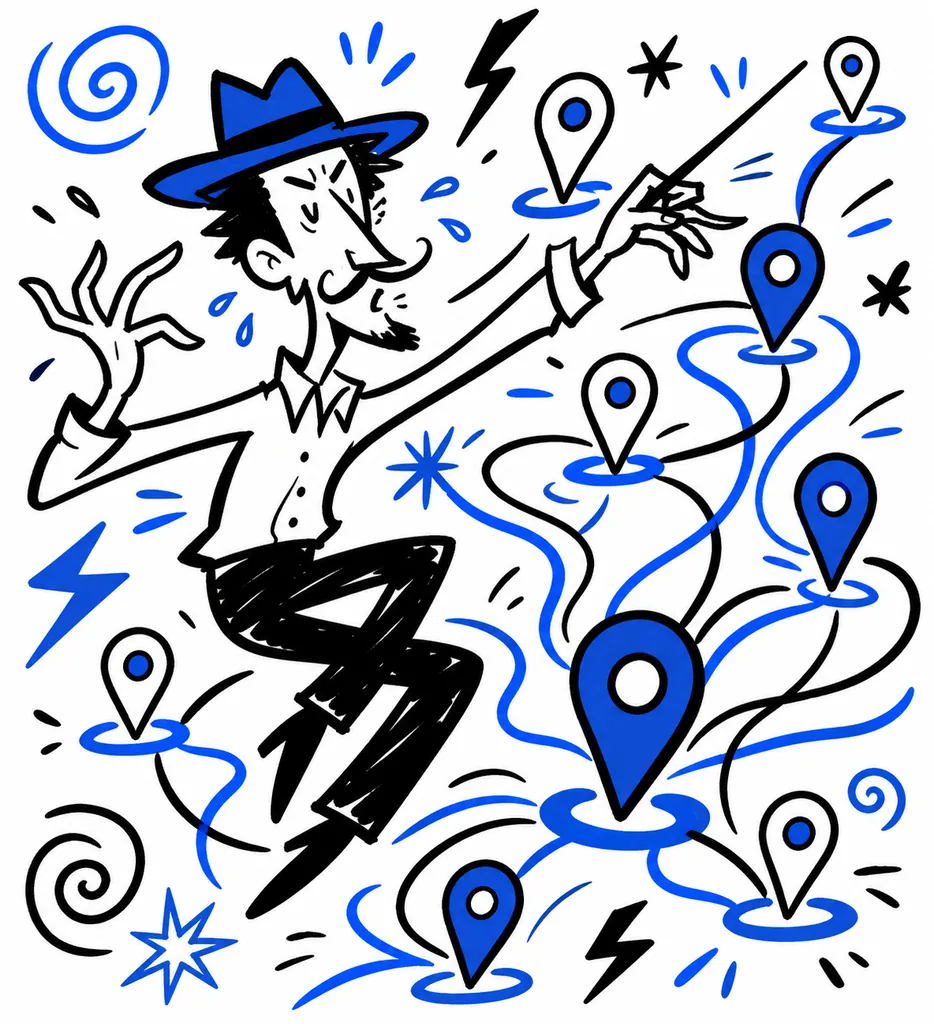
Map pins are the visual markers that represent businesses on Google Maps. While the default red pin is universal, the appearance, placement, and clustering of map pins influence user behavior and indirectly affect Maps ranking. In 2026, businesses that optimize their pin strategy see higher engagement rates, more direction requests, and improved visibility in crowded map views. This guide covers the technical and strategic approaches to map pin optimization.
How Map Pins Work in Google Maps
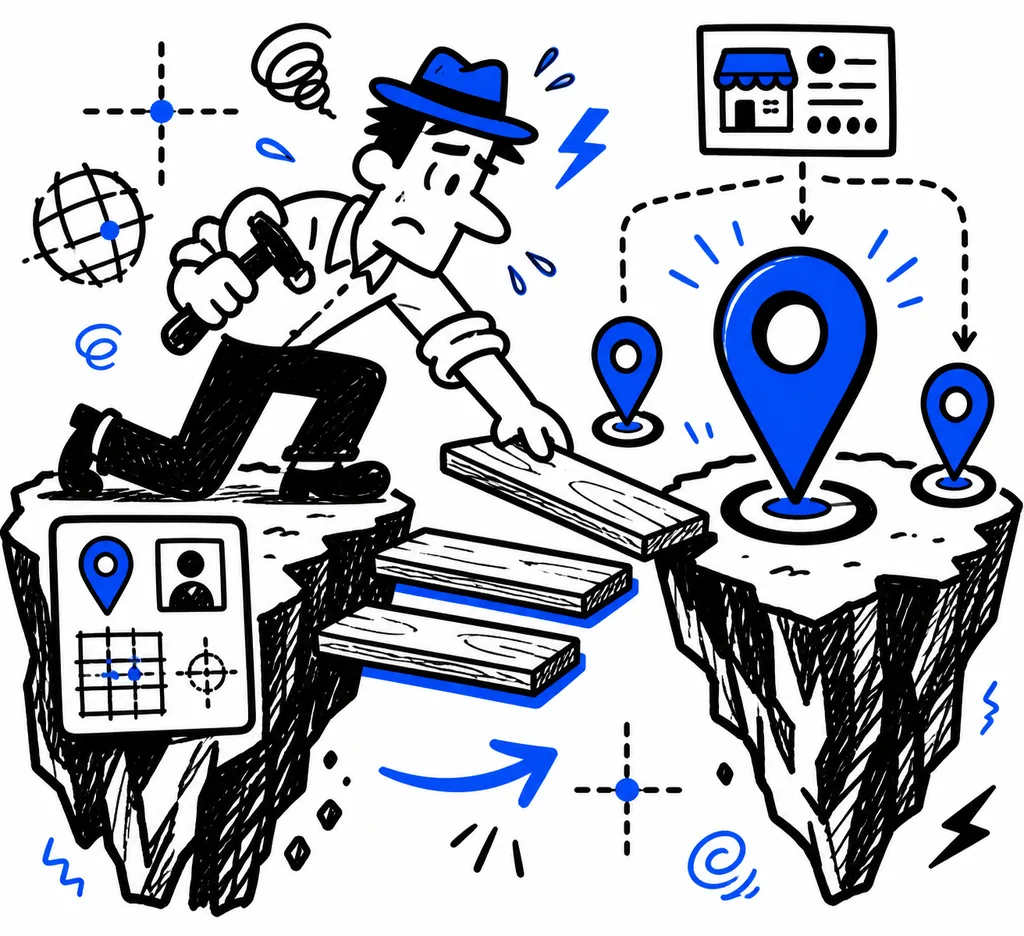
Google Maps renders pins based on the geographic coordinates associated with a Google Business Profile. Each GBP profile generates a single pin at its verified location. When multiple businesses exist in the same area, Maps uses clustering algorithms to group pins at different zoom levels.
Pin position is determined by the latitude and longitude coordinates stored in GBP. For street-level accuracy, Google uses GPS coordinates verified through postcard verification or video verification. A misplaced pin is one of the most common GBP issues and directly suppresses map pack visibility. A 2025 study by Sterling Sky found that 23 percent of GBP profiles had pin placement errors that placed the pin more than 50 feet from the actual business location. (https://www.sterlingsky.ca/google-business-profile-pin-placement-study-2025/)
Pin Placement Accuracy
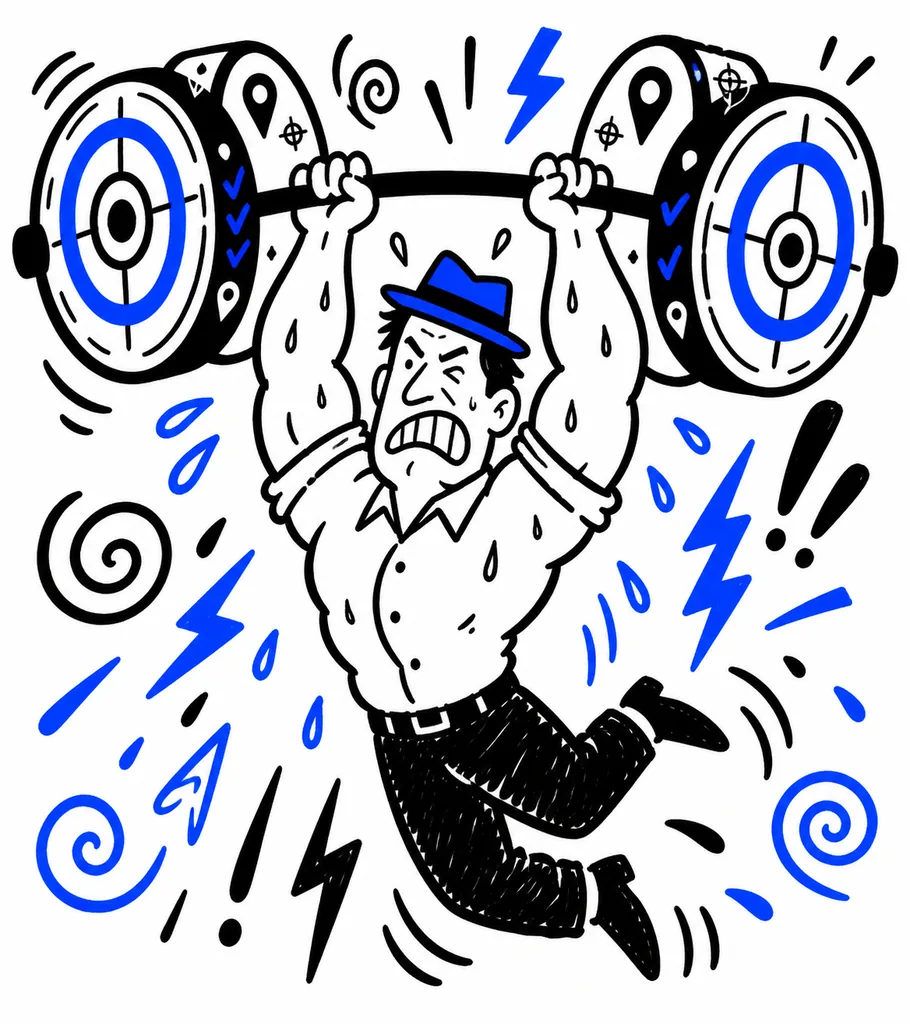
Accurate pin placement is the highest priority optimization. An incorrect pin location confuses both users and Google's proximity algorithm.
Check pin location in GBP. Navigate to the Info section in GBP and confirm the pin appears at the correct address. Use Google Maps in satellite view to verify the pin aligns with the actual building or storefront.
Fix misaligned pins. If the pin is incorrect, adjust the location by dragging the pin to the correct position in GBP. After adjustment, Google may require re-verification. Submit the change and wait for approval.
Multi-location businesses. Each location must have its own verified pin at its own address. Shared pins or overlapping locations create proximity scoring conflicts. Maintain separate GBP profiles for each physical location.
Pin Density and Competition
High pin density areas, such as city centers and shopping districts, create competitive pressure on map pack rankings. In dense areas, proximity differences as small as 0.1 miles can determine which businesses appear in the top three.
Strategies for high-density areas include:
Attribute optimization. In competitive proximity conditions, relevance and prominence become the deciding factors. Optimize every GBP attribute to maximize relevance scoring.
Service area differentiation. If your business serves a broader area than competitors, set a wider service radius to capture searches outside the dense cluster.
Category specificity. Use the most specific category available rather than a generic one. A specific category reduces the effective competition pool by filtering against businesses with only generic categorization.
Pin Clustering and User Behavior
When users zoom out on a map, Google clusters nearby pins into a numbered group. Tapping the cluster zooms in to reveal individual pins. Businesses in clusters with many competitors are harder to discover at higher zoom levels.
To reduce the impact of clustering, ensure your GBP profile is fully optimized so that it ranks higher within the cluster. Google orders pins within a cluster by relevance and prominence. A higher-ranked pin appears at the top of the cluster detail list and draws more user interaction.
A 2026 analysis by SOCi found that businesses in the first position within a pin cluster received 3.1 times more direction requests than businesses in the fifth position. (https://soci.com/resources/blog/maps-cluster-engagement-study-2026/)
Visual Optimization Considerations
While Google does not allow custom pin designs for standard businesses (only branded pins for place categories like hotels, gas stations, and ATMs), you can influence how your pin interacts with the visual map context.
Photo quality. The primary photo displayed in the pin info card influences click-through rate. Use high resolution, well-lit photos that clearly show the storefront or business entrance.
Business attributes. Attributes like "Wheelchair accessible entrance," "Outdoor seating," or "Free Wi-Fi" appear in the pin info card and influence whether users click through.
Q&A content. Questions and answers on the GBP profile appear in the pin detail panel. Active Q&A sections improve engagement signals.
Audit Checklist
- [ ] Verify pin location matches actual business address in satellite view
- [ ] Fix any pin placement errors exceeding 20 feet offset
- [ ] Confirm each location has a separate, verified pin
- [ ] Optimize GBP attributes for relevance in high-density areas
- [ ] Use the most specific category for your primary service
- [ ] Upload high quality storefront photos quarterly
- [ ] Monitor pin cluster position for dense area locations
- [ ] Track direction request volume as a pin engagement metric
References
Sterling Sky (2025). Google Business Profile Pin Placement Accuracy Study. https://www.sterlingsky.ca/google-business-profile-pin-placement-study-2025/
SOCi (2026). Maps Cluster Engagement Analysis. https://soci.com/resources/blog/maps-cluster-engagement-study-2026/
Google (2026). Google Business Profile Help: Pin Location and Verification. https://support.google.com/business/answer/3038177
Related Articles
Discover more insights about web development and digital marketing