Internal Links for New Content: The Complete 2026 Guide
How to strategically use internal links to boost new content discovery and rankings.
Dilshad Akhtar
Published: 24 June 2026
4 min read
TL;DRAI summary
- When you publish a new page, Googlebot must discover it before it can crawl and index it.
- Build internal links to your new page before you hit publish.
- Not all internal links are equal.
- Creating links to new content often means updating older posts.
- Your homepage, about page, and most linked blog posts carry the most link equity.
- Many sites add internal links to new content during the publishing process but never revisit those links.
- Identify 3-5 existing pages for contextual links before publishing Draft anchor text for each link vary phrases Add links to existing pages as...
- Yoast.
Publishing new content without a deliberate internal linking strategy is like opening a store in the desert. No matter how good the content is, if search engines and users cannot find it through your existing pages, it will struggle to gain traction. This guide covers how to use internal links...
Why New Content Needs Internal Links
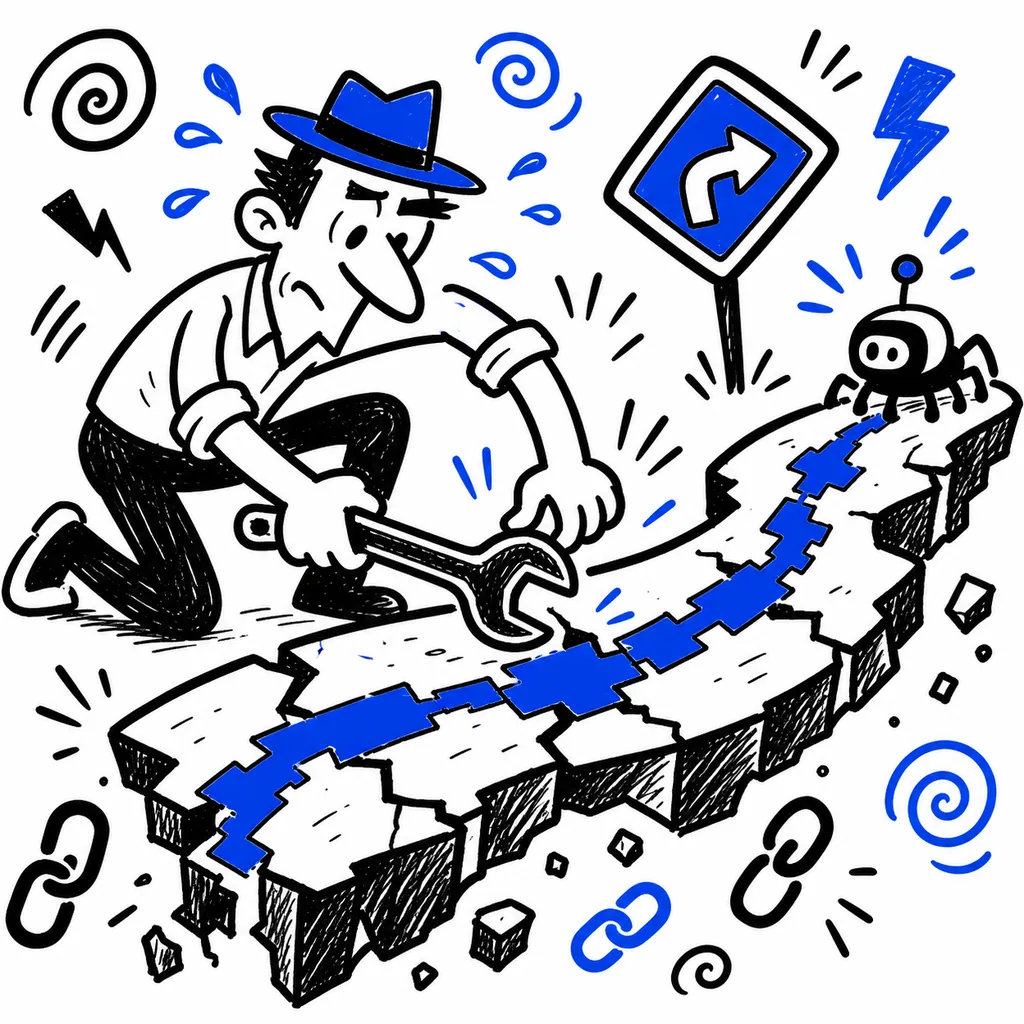
When you publish a new page, Googlebot must discover it before it can crawl and index it. Discovery happens through one of three channels:
- Links from existing pages on your site
- Submission via XML sitemap
- Direct submission via Search Console
Internal links are by far the most effective channel. A 2025 study by Yoast found that pages with at least one internal link from an existing page were indexed 60% faster than pages relying solely on sitemap submission.
Beyond discovery, internal links pass link equity. A new page starts with zero equity. Every internal link from an established page transfers some equity, giving the new content a ranking advantage from day one.
The Pre-Publish Linking Strategy

Build internal links to your new page before you hit publish. This means:
- Identify 3-5 existing pages where a contextual link to the new content makes sense
- Draft the anchor text and surrounding context for each link
- Add the links to those pages as part of your publishing workflow
This approach ensures that when Googlebot next crawls those existing pages, it finds the link to your new content. The new page receives both discovery and equity immediately.
Link Placement Matters

Not all internal links are equal. The position of a link on a page affects how much equity it passes and how likely users are to click it.
In-content links (highest value). Links within the body content of a page pass the most equity. Place links high in the content (within the first third of the page) for maximum impact.
Sidebar links (medium value). These pass less equity but can generate consistent clicks over time.
Footer links (lowest value). Footer links pass minimal equity and are often ignored by users. Relying on footer links for new content promotion is insufficient.
For new content, ensure at least 2 of your 3-5 links are in-content links on high traffic pages.
Updating Older Content
Creating links to new content often means updating older posts. This has a dual benefit: the old post gets refreshed, and the new post gets discovered. A content refresh with added internal links can revive traffic to older pages while supporting new content.
Automate this process where possible. If you use a CMS, consider plugins or custom scripts that suggest internal linking opportunities based on content similarity.
Link to New Content from Your Most Authoritative Pages
Your homepage, about page, and most linked blog posts carry the most link equity. Whenever possible, include a link from one of these high authority pages to your new content. Even one link from a high authority page can provide more equity than 10 links from low authority pages.
However, ensure the link is contextually relevant. A forced link from the homepage to a niche blog post looks unnatural. Use content hubs, resource pages, or roundup posts as natural vehicles for linking to new content from authoritative pages.
Avoid Post-Publish Link Rot
Many sites add internal links to new content during the publishing process but never revisit those links. Over time, links break, anchor text becomes outdated, and the new content becomes an orphan.
Set a reminder to audit internal links for new content 30 days after publication. Verify that:
- All intended links are still active
- Anchor text is still appropriate
- The new page has received traffic from linked sources
- Additional linking opportunities have emerged since publication
Audit Checklist
- [ ] Identify 3-5 existing pages for contextual links before publishing
- [ ] Draft anchor text for each link (vary phrases)
- [ ] Add links to existing pages as part of the publishing workflow
- [ ] Ensure at least 2 links are in-content (not sidebar or footer)
- [ ] Include a link from at least one high authority page
- [ ] Verify Googlebot discovered the new page within 48 hours
- [ ] Audit all new content links 30 days post-publication
Citations
- Yoast. "Internal Links and Indexation Speed Study 2025." https://yoast.com/internal-links-indexation-study/
- Google Search Central. "Create Helpful, Reliable, People-First Content." https://developers.google.com/search/docs/fundamentals/creating-helpful-content
- Ahrefs. "The Importance of Internal Links for New Content." Ahrefs Blog, 2025. https://ahrefs.com/blog/internal-links-for-new-content/
Related Articles
Discover more insights about web development and digital marketing