4 min read
Sitelinks are the most visible and clickable feature on a brand SERP after the knowledge panel. They appear as a set of deep links beneath your primary...

Sitelinks are the most visible and clickable feature on a brand SERP after the knowledge panel. They appear as a set of deep links beneath your primary organic result, offering users direct shortcuts to key sections of your website. For developers, sitelinks represent both an opportunity and a...
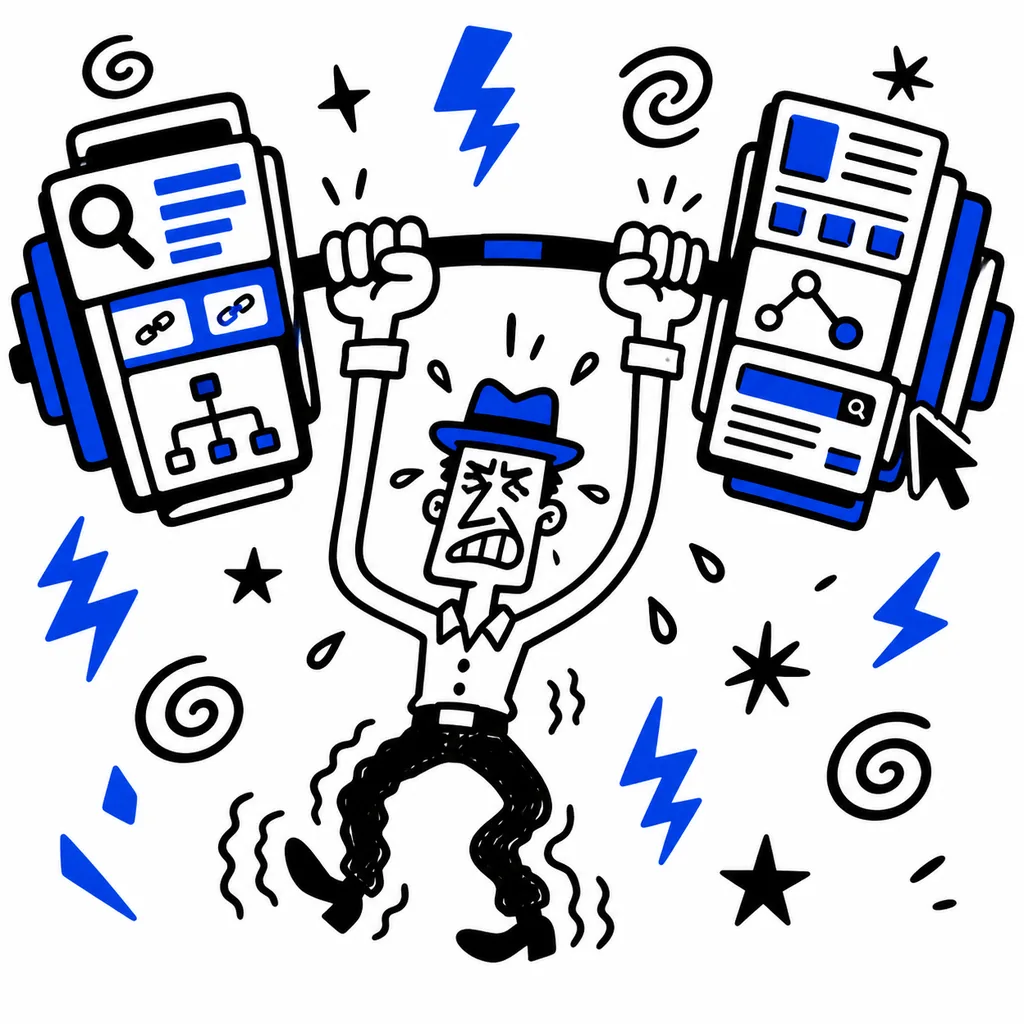
Sitelinks are the most visible and clickable feature on a brand SERP after the knowledge panel. They appear as a set of deep links beneath your primary organic result, offering users direct shortcuts to key sections of your website. For developers, sitelinks represent both an opportunity and a challenge: you cannot manually set them, but you can strongly influence their composition through site architecture, internal linking patterns, and structured metadata.

Google's sitelinks algorithm analyzes three primary signals (Google Search Central, 2025). The first is your site's internal link graph. Pages that receive the most internal link anchor text pointing to them are more likely to appear as sitelinks. The second is user navigation patterns. Google uses aggregated click data to identify pages users visit most frequently after landing on your homepage. The third is URL structure relevance. Pages with clear, keyword aligned URL paths signal their topic to Google's parser.
The algorithm selects up to six sitelinks for desktop and up to eight for mobile. The selection is query specific. A search for "Nike shoes" may show different sitelinks than a search for "Nike careers" even though both are branded queries.
You cannot submit a sitelink list, but you can shape the set Google chooses through the following techniques.
Anchor Text Distribution. The anchor text used in internal links is the strongest signal for sitelink relevance (Moz, 2025). If your homepage links to "/products" with the anchor "Products", that page is more likely to appear as a sitelink than a page linked with generic text like "click here". Audit your homepage and top level navigation anchor text to ensure it is descriptive and consistent.
Shallow Information Architecture. Pages within two clicks of the homepage are prioritized for sitelink inclusion. If a key section of your site is buried four levels deep in the navigation, Google may not surface it. Flatten your URL hierarchy and ensure all major sections are directly linked from the homepage or primary navigation.
Internal Link Volume. Pages linked from more internal pages are stronger sitelink candidates. Use your main navigation, footer, and sidebar links consistently. A page that appears in the navigation on every page has a structural advantage over a page linked only from a blog post.
Blocking Low Value Pages. If Google surfaces a sitelink you do not want (for example, "Login" or "Privacy Policy"), you can request removal through Search Console. Navigate to Search Console > Legacy Tools and Reports > Sitelinks and submit the URL you want demoted. This does not guarantee removal but signals your preference.
The Sitelinks Search Box is a distinct feature from sitelinks but appears alongside them. It renders an inline search field within your search result, allowing users to search your site directly from Google. The trigger is deterministic: implement WebSite schema with the potentialAction property (Schema.org, 2025).
The required schema fragment looks like this:
{
  "@context": "https://schema.org",
  "@type": "WebSite",
  "url": "https://www.yourdomain.com",
  "potentialAction": {
    "@type": "SearchAction",
    "target": {
      "@type": "EntryPoint",
      "urlTemplate": "https://www.yourdomain.com/search?q={search_term_string}"
    },
    "query-input": "required name=search_term_string"
  }
}
Deploy this on your homepage and all template level pages. The search box typically appears within days of correct implementation.
On mobile, sitelinks occupy a larger percentage of viewport space. Google may show a grid layout with up to eight links. Mobile sitelinks favor shorter link text because of screen width constraints. If your desktop sitelinks use six word anchor text, consider truncating or simplifying the target page titles. Google uses the page title as the sitelink label when anchor text is not descriptive enough (Ahrefs, 2025).
Sitelinks Not Appearing. If your brand SERP lacks sitelinks entirely, the most common cause is insufficient internal link depth or a recently launched site. Build internal links to your top five sections over several weeks. Sitelinks typically appear after Google accumulates enough navigational signal data.
Wrong Sitelinks Appearing. If Google surfaces outdated or irrelevant pages, strengthen internal links to the correct pages and use the Search Console demotion tool for incorrect ones. Over time, the algorithm favors pages with more internal anchor references.
Sitelinks for Non Brand Queries. Sitelinks occasionally appear for non branded queries when Google detects strong navigational intent. This is normal and cannot be disabled. Focus on ensuring the sitelinks that appear are the ones you want.
Audit your current sitelinks set by querying site:yourdomain.com in Search Console or using the sitelinks report. Identify any low value or outdated links that should be demoted. Review your internal link anchor text distribution across the top five sections of your site. Recheck the sitelinks set after each major content restructuring.
Discover more insights about web development and digital marketing